Record the bug. Keep the steps with it.
Show the sequence that breaks. Narrate the steps and the environment. Keep the recording beside the report so an engineer can check what happened.
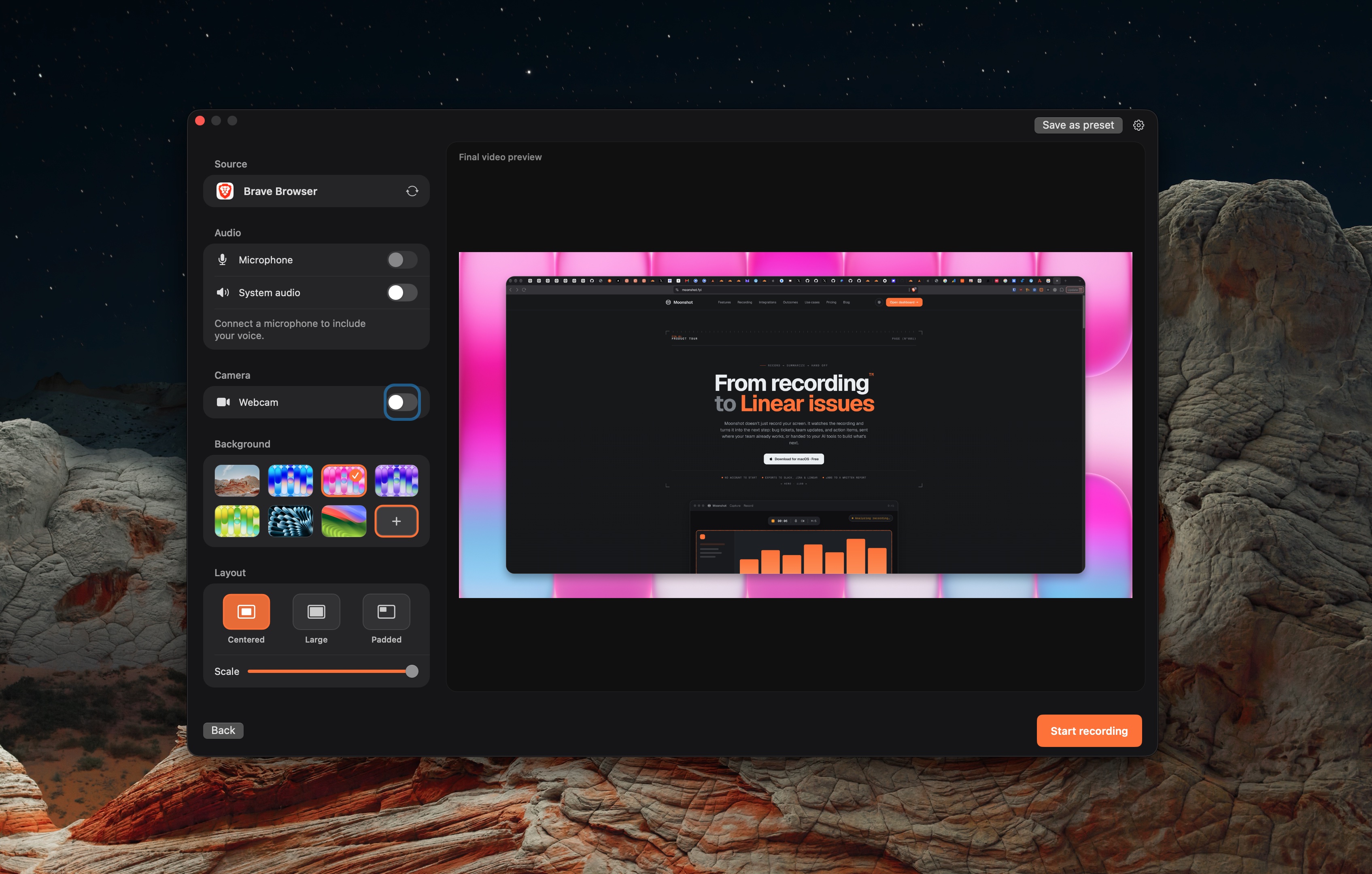
Keep the explanation and the next step together.
- 01
Capture the repro
Record a window or area. Avoid exposing private data.
- 02
Write or review the report
Use the free template, or review a transcript-based AI draft on Pro or Team.
- 03
Send to the tracker
Connect Jira, Linear or GitHub. Check the destination and report before creating the issue.



Check the handoff.
What this workflow covers.
Moonshot captures visual evidence and helps draft the handoff. It is not a full bug tracker. Add console logs or network traces from your own tools when needed.
Local capture works without an account. Uploading needs sign-in. Cloud AI actions require Pro or Team and are subject to the plan allowance.
 Loom
 Screen Studio
 Moonshot